Willkommen!

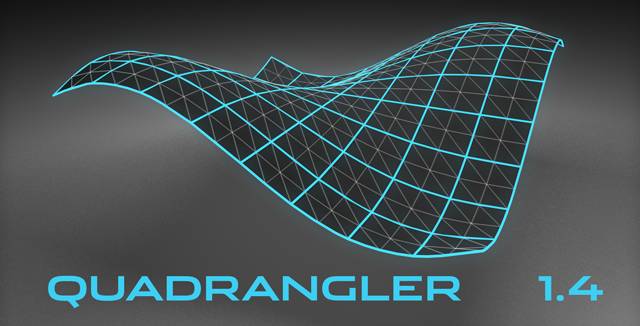
Endlich steht jetzt auch Cinema 4D-Usern das von der 3D-Konkurrenz bekannte Spline-Patch zur Verfügung, mit dem sich Oberflächen aus drei oder vier Grenz-Splines erzeugen lassen. Ganz im Stil von Cinema 4D wurde das Modeling-Plugin als Objekt-Generator umgesetzt, d.h. alle Parameter inklusive der Spline-Geometrie können jederzeit geändert werden. Damit stellt das Plugin eine wertvolle Erweiterung der Cinema 4D-Nurbs-Objekte dar. Kantenprofile mit Extrusion und Beveling, Mesh-Deforming über Spline- oder Polygon-Objekt, sowie nahtloses Verschweißen mehrerer Patches mit dem integrierten Multi-Patch bringen den C4D-User jetzt auch im Bereich Modeling auf die Überholspur!

Welcome!

Finally, the well-known spline patch modelling technique is also available for Cinema 4D users. Spline Patch generates surfaces from three or four border splines. The plugin is completely designed as an object generator in the style of Cinema 4D, i.e. all parameters including the spline geometry can be changed at any time. This makes the plugin a valuable extension of the Cinema 4D-Nurbs objects. Edge profiles with extrusion and bevelling, mesh deforming with a spline or a polygon object and smooth welding of several patches using the integrated Multi Patch are some of the features that will take C4D users to the fast lane when working on 3D models.

05.05.2009

Update DRIVE! 1.07

Dieses Update verbessert die Stabilität der Simulation und beinhaltet kleinere Fehlerkorrekturen.

Beachten Sie bitte: DRIVE! 1.07 erfordert CINEMA 4D R10.5 oder höher!

Download

07.01.2009

64-Bit-Versionen für "Leopard" jetzt verfügbar

Unsere kommerziellen Plugins laufen jetzt auch im 64-Bit-Modus unter dem aktuellen MacOS X 10.5 Leopard. Registrierte Kunden können die aktuellen Versionen von unserer Download-Seite herunterladen.

Download

30.12.2008

DirectControl 1.0 veröffentlicht

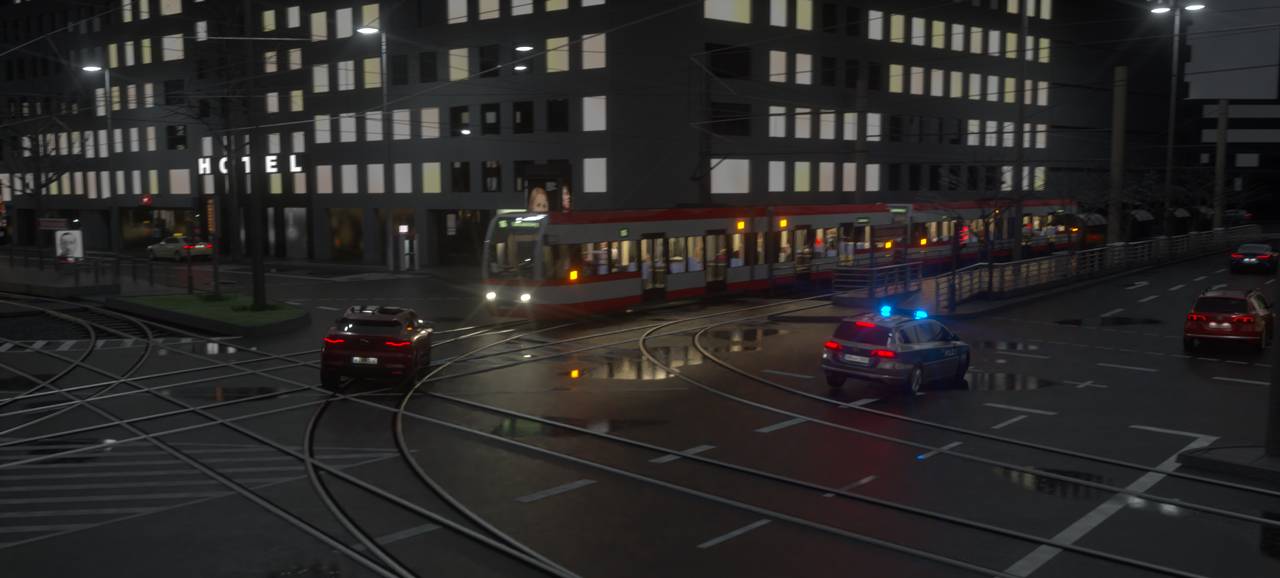
Mit dem neuen Tag-Plugin DirectControl können Sie Objekte und Parameter mit einem Gamecontroller steuern. Sie können z.B. bei laufender Animation eine Kamera per Joystick steuern oder mit einem Auto durch Ihre Szene fahren. Was sich nicht direkt über die eingebauten Funktionen machen lässt, können Sie mit XPresso realisieren — die Controllerdaten werden laufend ausgegeben.

Die Autosimulation DRIVE! wird direkt unterstützt, d.h., Sie brauchen keine XPresso-Schaltung, um ein Auto "live" mit Ihrem Joystick oder Lenkrad zu steuern. Weisen Sie dem DRIVE!-Simulationsobjekt einfach ein DirectControl-Tag zu und erzeugen Sie die Steuerkanäle, mit denen Sie das Auto steuern möchten.

DirectControl fußt auf der Systemschnittstelle DirectX. Deshalb gibt es das Plugin zur Zeit nur für Windows.

Laden Sie sich jetzt die Demo-Version von der Download-Seite herunter!

Shop

Download

Infos

11.10.2008

DRIVE!-Demoversion für CINEMA 4D R11 Demo

Die DRIVE!-Testversion läuft nun unter der neuen Release 11 Demo. Da die aktuelle CINEMA 4D-Demoversion das Speichern der Szene erlaubt, musste die Aufnahmefunktion in der DRIVE!-Demoversion leider gesperrt werden.

Download

06.09.2008

Update Spline Patch 2.50.4

Dieses Update ist eine Anpassung an die neue Cinema 4D Release 11.

Download

29.04.2008

Patch für XReTarget 1.01

Dieser Patch behebt ein Problem mit der Aufnahmefunktion unter CINEMA 4D R10.5 auf Windows.

Download

14.06.2007

Spline Patch 2.5 veröffentlicht!

Die neue Version 2.5 wurde noch einmal umfangreich erweitert und verbessert.

Auch die innen liegenden Kanten der vom Multi-Patch verbundenen Spline-Patch-Objekte können jetzt bearbeitet werden. Sie können die Innenkanten durch Unterbrechen des Phong-Shadings oder durch Bevelling hervorheben.

Mit einem geschlossenen Spline-Objekt können Sie Ausschnitte definieren, auf die verschiedene Modelling-Funktionen, wie z.B. Extrusion oder Bevelling, angewendet werden können.

Als neue Option für die Außenkantenprofile gibt es die massive Extrusion. Damit wird ein vollständig geschlossenes Objekt erzeugt, dem z.B. ein transparentes Material zugeordnet werden kann.

Außerdem gibt es viele neue Funktionen, wie z.B. das Aufteilen von Spline-Patch-Objekten oder die globale Steuerung der Polygon-Auflösung.

Laden Sie sich jetzt die Demo-Version herunter! Anwender der Version 2.0 können das Update kostenlos von der Download-Seite herunterladen.

Eine vollständige Dokumentation finden Sie im aktualisierten Handbuch, zu dem Sie über die Shop-Seite gelangen oder das Sie von der Download-Seite herunterladen können.

Shop

Download

Infos

21.01.2007

DRIVE! Video-Tutorial

Das Grundlagen-Tutorial mit mehr als 16 Minuten Spielzeit zeigt in fünf Kapiteln Schritt für Schritt den kompletten Aufbau einer Autosimulation mit DRIVE! vom Import eines rohen 3DS-Modells bis zur fertigen Teststrecke.

Die Szenedateien zu jedem Kapitel stehen zum Download zur Verfügung.

Infos

05-05-2009

Update DRIVE! 1.07

This Update improves the stability of the simulation and includes some minor bugfixes.

Please note: DRIVE! 1.07 requires CINEMA 4D R10.5 or higher!

Download

01-07-2009

64 bit versions for "Leopard" available now

Our commercial plug-ins run also in 64 bit mode under the current MacOS X 10.5 Leopard now. Registered customers can download the latest versions from our download page.

Download

12-30-2008

DirectControl 1.0 released

With the new tag plugin DirectControl you can control objects and parameters using a game controller. E.g. you can control a camera via joystick or you can drive a car through your scene while the animation is running. Things that can't be done using the built-in functions can be realized with XPresso — the controller data are output continuously.

The car simulation DRIVE! is supported directly, i.e. you don't need any XPresse rig to drive a simulated car "live" with your joystick or steering wheel. Just assign a DirectControl tag to the DRIVE! simulation object and create the control channels that you want to use for controlling the car.

DirectControl is based on the system extension DirectX. So, at present the plugin is available for Windows only.

Download the demo version from the download page now!

Shop

Download

Infos

10-11-2008

DRIVE! Demo Version for CINEMA 4D R11 Demo

The DRIVE! trial version now runs with the new Release 11 demo. Since the current CINEMA 4D demo allows to save the scene, the recording function of the DRIVE! demo unfortunately had to be disabled.

Download

09-06-2008

Update Spline Patch 2.50.4

This update is an adjustment to the new Cinema 4D Release 11.

Download

04-29-2008

Patch for XReTarget 1.01

This patch fixes a Problem with the recording function under CINEMA 4D R10.5 on Windows.

Download

06-14-2007

Spline Patch 2.5 released!

The new version 2.5 was extended and improved once again.

Also the inlying edges of the spline patches that are connected by a multi patch can be edited now. You can bring out these inner edges by breaking the phong shading or by bevelling.

You can define cut-outs using a closed spline object. Several modelling functions, like extrusion or bevelling are available to be applied to these cut-outs.

The solid extrusion is a new option for the outer edge profiles. With this a completely closed object will be generated, that can be assiged e.g. a transparent material.

Additionally there are a lot of new functions, like e.g. splitting of spline patch objects or the global control of the polygon resolution.

Download the demo version now! Users of version 2.0 can download the update for free from our download page.

You'll find a complete documentation in the updated manual, that you can find on the shop page or that you can download from the download page.

Shop

Download

Infos

01-21-2007

DRIVE! Video Tutorial

The basic tutorial with more than 16 minutes playtime shows in five chapters step-by-step the complete setup of a car simulation with DRIVE! from the import of a raw 3DS model to the final test track.

The scene files of each chapter can be downloaded.

Infos

Diese Seite benötigt Javascript. Bitte aktivieren Sie "Javascript" in den Voreinstellungen Ihres Browsers und laden Sie diese Seite neu.

This site needs Javascript. Please enable "Javascript" in your browser settings and reload this page.